Bookmarks
Highlight any part of a message and save it. Your bookmarks are private to you — even in a shared chat.
1Save a bookmark
Select some text in a message, then choose Save to bookmarks. Cognos keeps the quote plus a little surrounding context so it can find the spot again.
2Find them
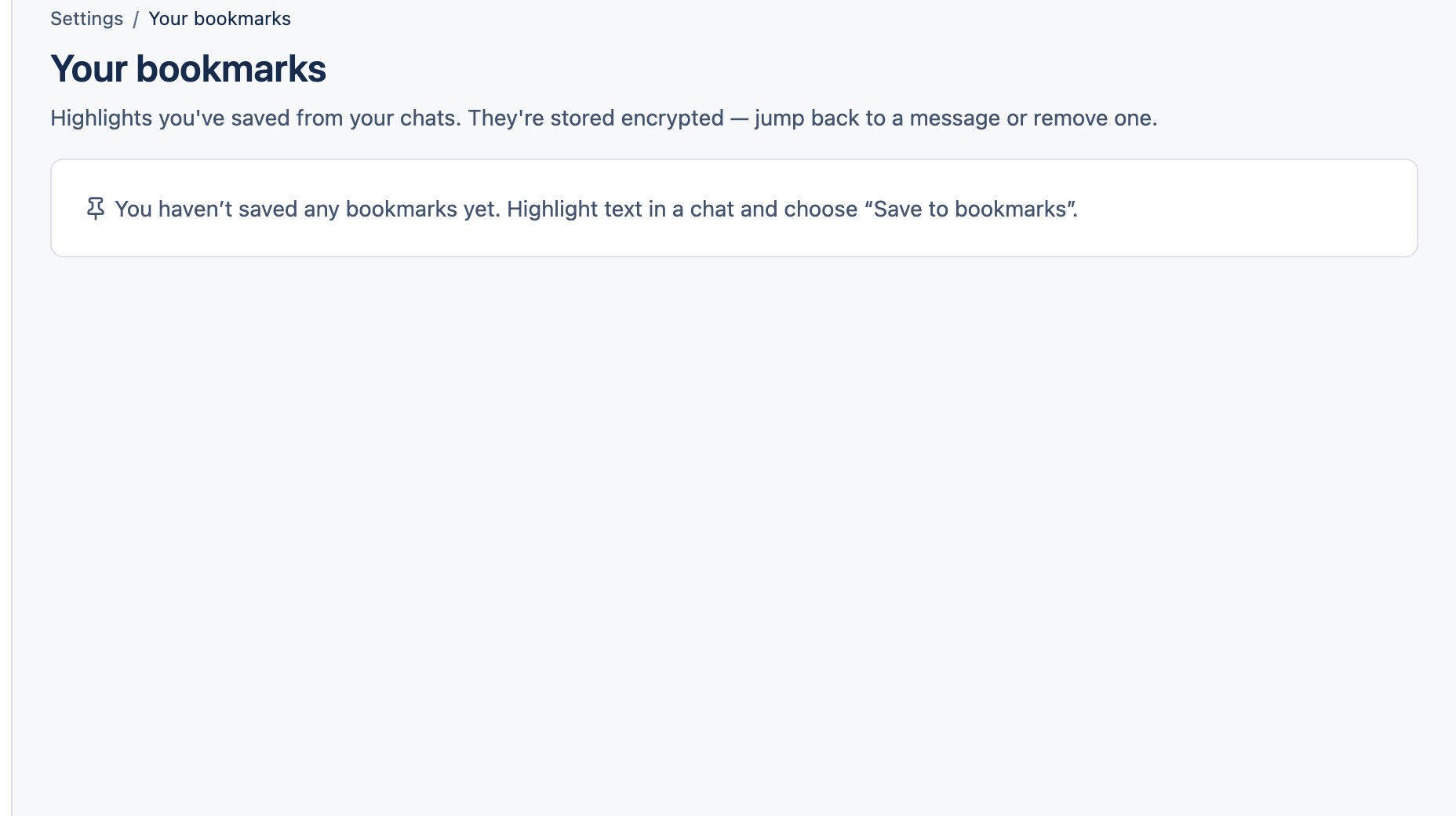
Open Bookmarks to see them all, and select one to jump back to the exact spot in its conversation.
3Good to know
- Bookmarks are encrypted and readable only by you — even if the chat is shared, others never see them.
- If a message has changed too much to find the exact quote, the bookmark still lists — it just won't highlight a spot.