Editing, regenerating & versions
Change a question or ask for another answer, and Cognos keeps every version — switch between them whenever you like.
1Edit a message
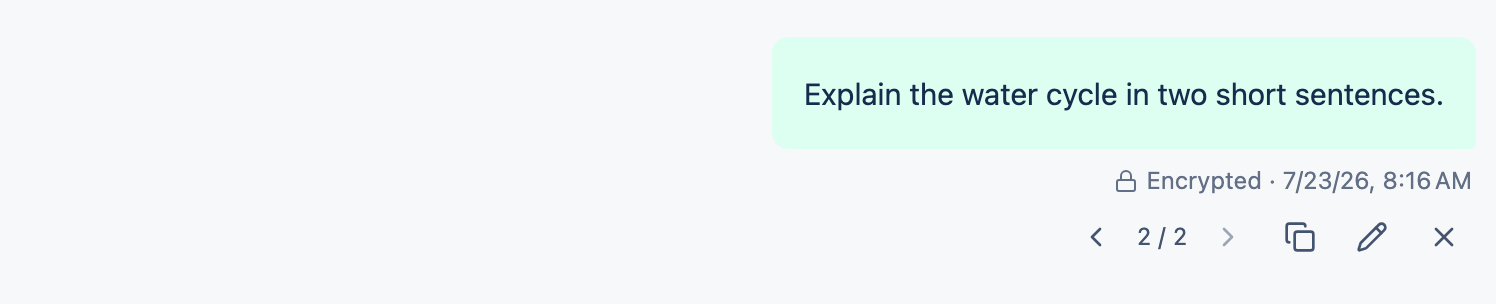
Hover the message you sent
Its actions appear.
Choose Edit message
Change the wording.
Send it again
Your original question and its answer stay put — the edit starts a new version alongside them.
2Regenerate an answer
Ask the model for another take and the new answer sits alongside the first, rather than replacing it.
3Switch between versions
When a turn has more than one version, a small ‹ 1/2 › control appears. Use the arrows to move between them — the rest of the conversation follows whichever version you're viewing.