Generating images
Describe an image and a capable model will create it. The result is encrypted like any other message.
1Create an image
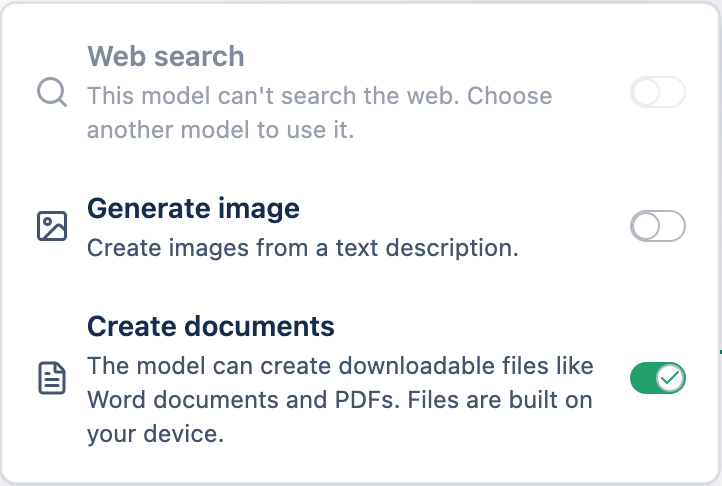
Enable image generation
Turn on Generate image in the message box.
Describe what you want
Write your prompt and send.
2Good to know
- The model may reply with a clarifying question instead of an image — that's normal, not an error.
- Select regenerate to make an alternative version alongside the original.
- A chat containing images exports as a
.zip(text-only chats export as.json). - Image generation is billed per image — see plans & pricing.