Web search
On some models, the AI can look things up on the web while it answers, and cite its sources.
1Turn it on
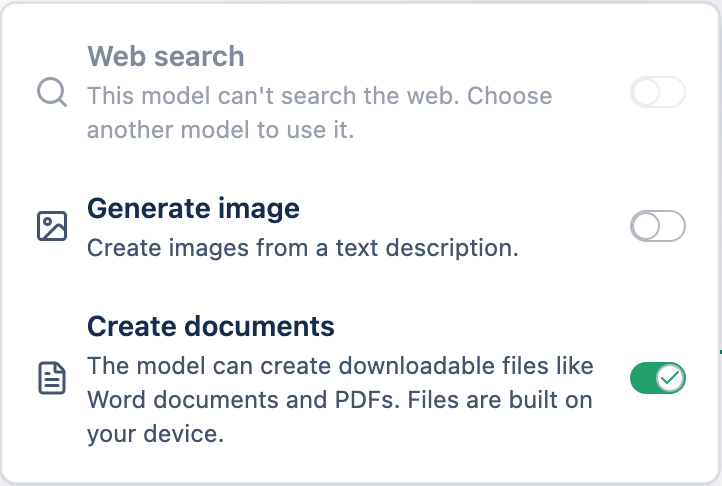
Open the Tools menu in the message box and enable Web search. If the model you picked can't search, the option says so and is simply skipped.
2What happens
- Your question may be sent to a search engine by the AI provider to find sources.
- The results and citations are encrypted like the rest of your message, and shown inline as clickable sources.
- Each search that runs adds a small flat fee on top of the usual cost — see plans & pricing.