Your Account Key
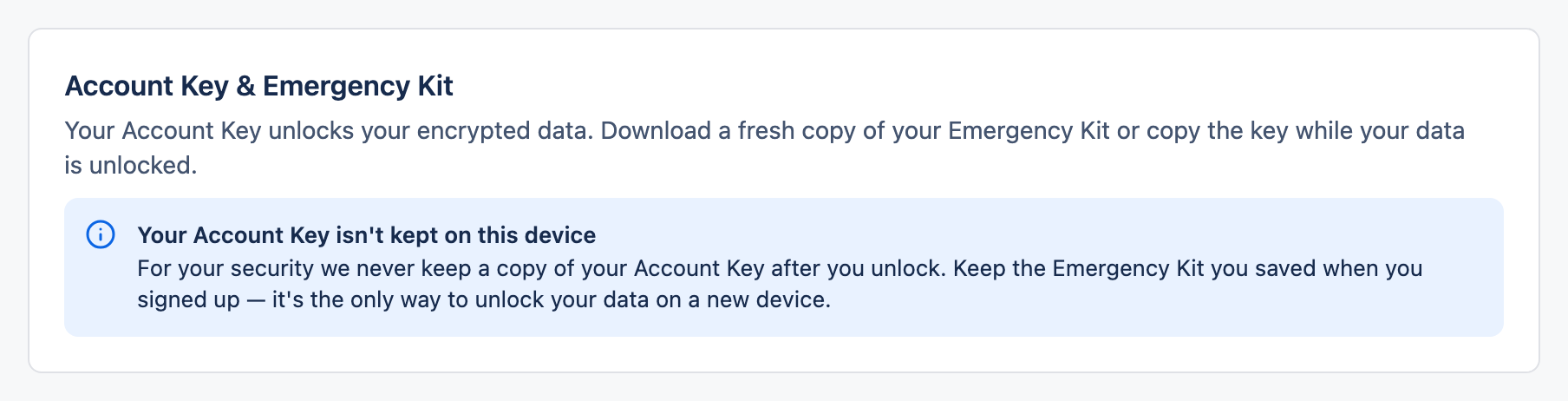
The Account Key is the single secret that unlocks your encrypted data. Cognos never stores it, so keep it safe.
1What the Account Key is
When you sign up, Cognos generates one long, random Account Key for your account. It's what unlocks your data on any device.
- Generated once, at signup — there's only ever one.
- Shown to you once, in the Emergency Kit.
- Never stored by Cognos in a form we can read.
- Needed to unlock your data on a new device.
2Account Key vs password
They do different jobs. Mixing them up is the most common source of confusion:
| Account password | Account Key | |
|---|---|---|
| Job | Signs you in | Unlocks your data |
| Reset by email? | Yes | No — never |
| Touches your chats? | No | Yes — it's the key |
| If you lose it | Reset it and carry on | Your data can't be recovered |
3You can't change or reset it
Save it during signup — that's the one reliable moment. In that same first session you may still re-open it from Security & keys, but once the session ends Cognos genuinely can't show it again. So don't treat that as a way to put it off — save the Emergency Kit straight away.
4Keep it safe
- Store the Emergency Kit in a password manager or on an encrypted drive.
- Don't paste it into a shared note, chat, or unprotected cloud document.
- Anyone who has your Account Key can decrypt your data — treat it like the key to a safe.