Create your account
Sign up with an email and a password, then save your Account Key. The whole thing takes a couple of minutes.
1Sign up
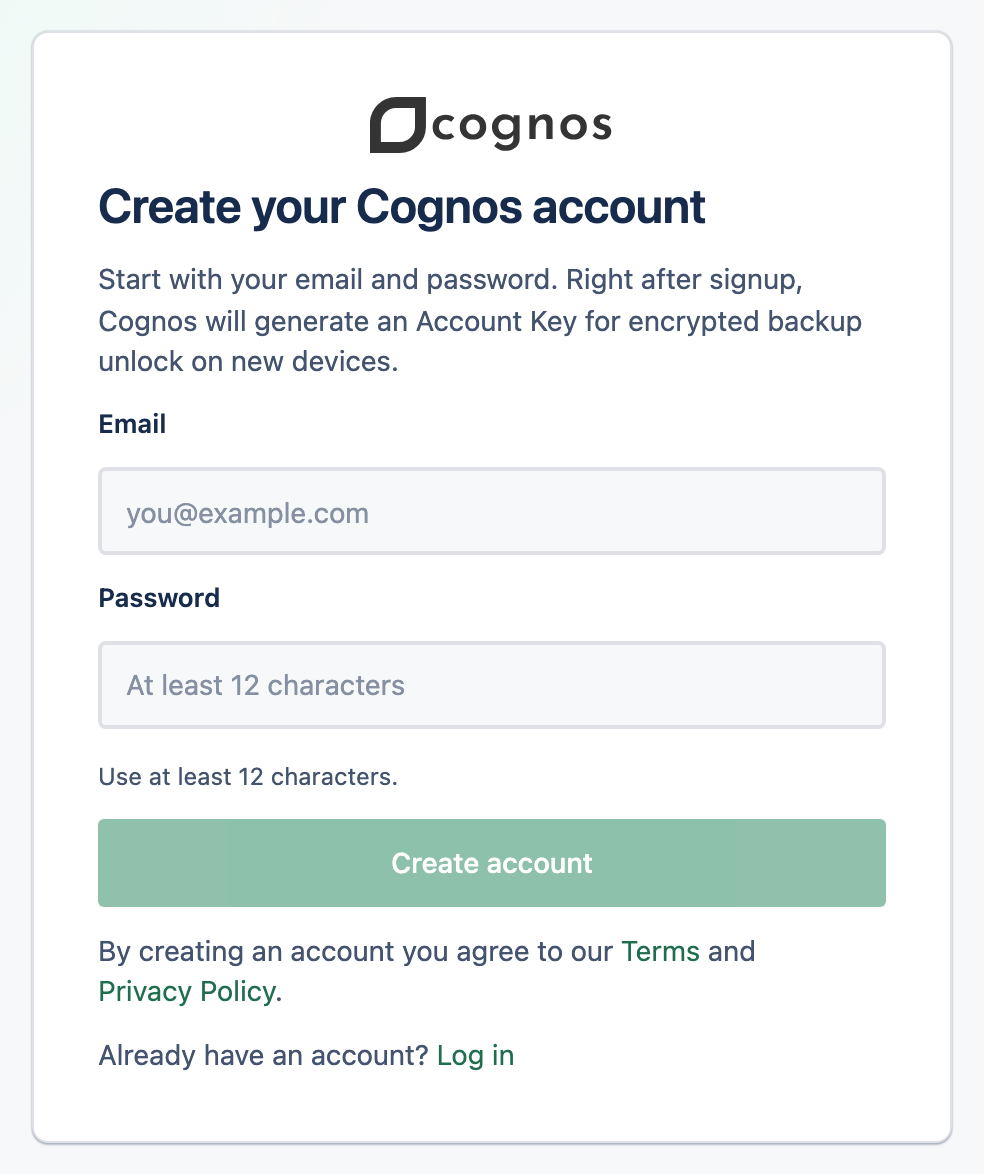
Open the sign-up page
Go to the Cognos sign-up page and you'll see Create your Cognos account.
Enter your email and a password
Use at least 12 characters. Your password only signs you in — it never unlocks your data, and you can reset it later by email.
Select Create account
You're signed in straight away, and Cognos generates your Account Key.
2Save your Account Key
Right after signup, Cognos shows a screen titled Secure your encrypted backup. This is where you save your Account Key as an Emergency Kit — don't skip it.
3Verify your email
Cognos emails you a confirmation link. You can read and manage your account before confirming, but you can't send messages to the AI until your email is verified.
Once verified, your trial credit is ready and you can start your first chat.