Signing in
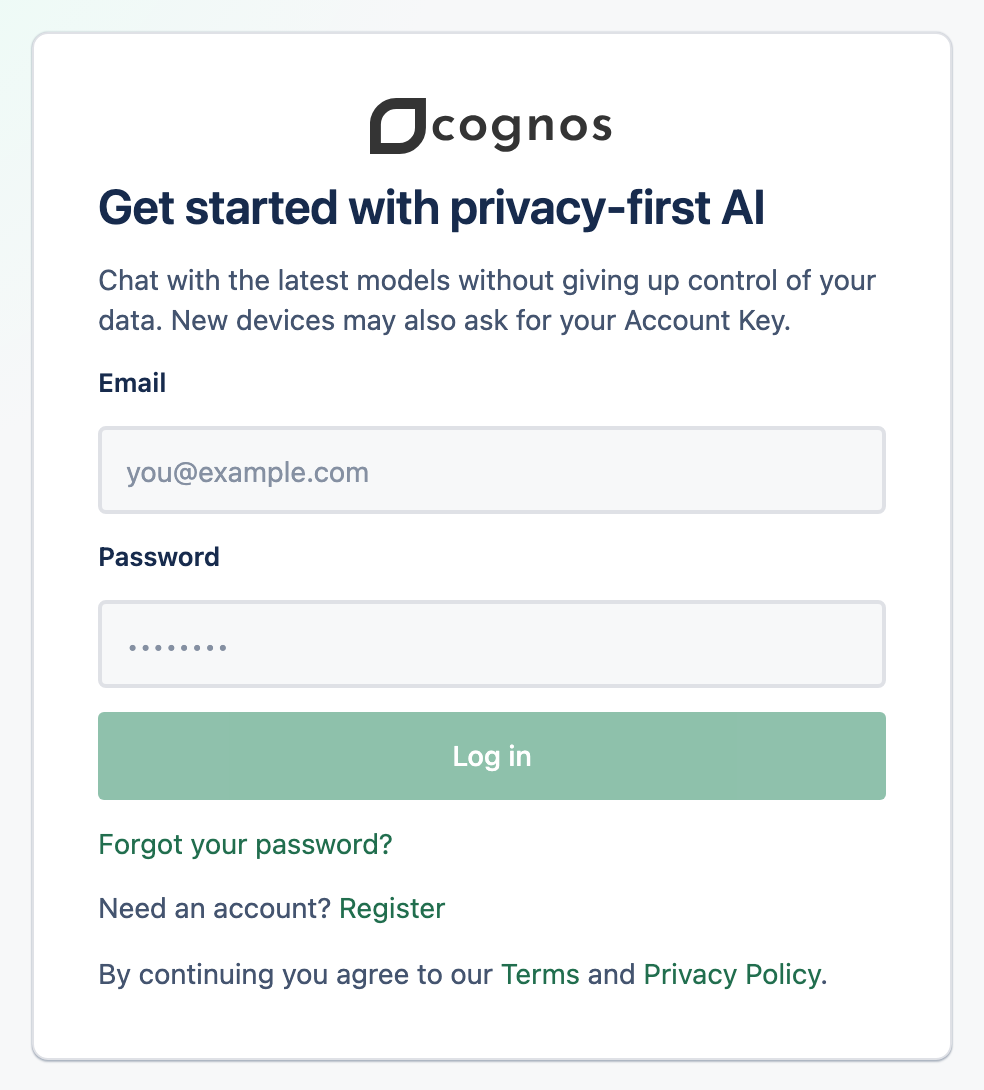
Log in with your email and password. On a new device, you'll also enter your Account Key to unlock your data.
1Log in
Open the login page
Go to the Cognos login page.
Enter your email and password
Then select Log in.
Enter your code if two-factor is on
If you've turned on two-factor authentication, type the 6-digit code from your authenticator app.
2Unlock on a new device
The first time you sign in on a new device or browser, Cognos asks for your Account Key on a screen titled Unlock backup. Enter it to unlock your chats. See Unlock & lock for details.
3Staying signed in
On a device you've already unlocked, refreshing or reopening the app won't ask for your Account Key again. Logging out ends that and signs you out everywhere.