Managing your subscription
View usage, download invoices, switch plans, or cancel — all from your billing settings.
1Where to go
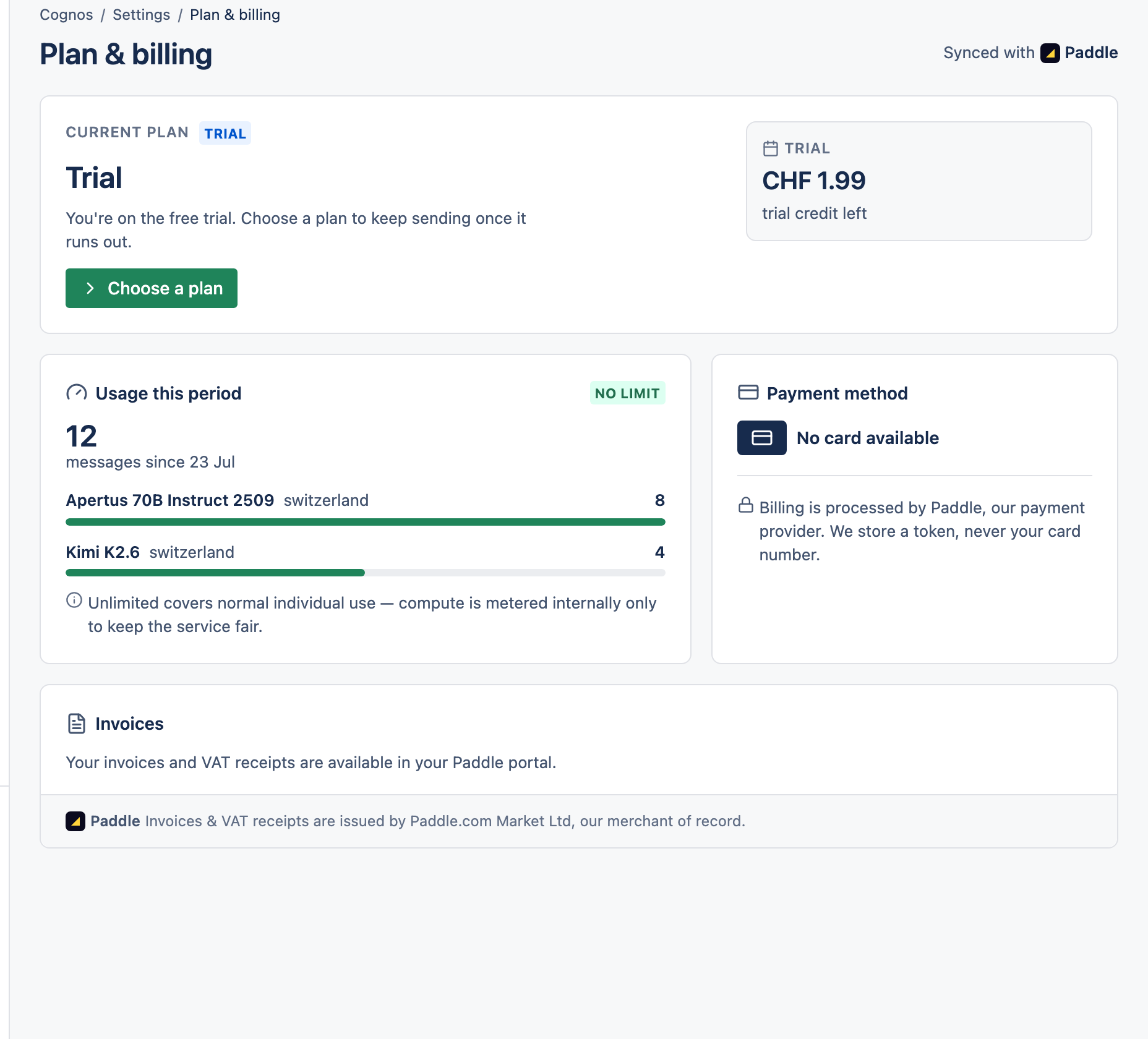
Plan & billing shows your current plan, usage this period, payment method, and invoice history with PDF downloads. Payments and the payment portal are handled by Paddle.
2Change or cancel
Switch between Pay-As-You-Go and Unlimited, or cancel, from the same page.
3Good to know
- A quick check before each message makes sure you can cover it, so you're never charged for something you can't afford.
- That check uses a worst-case estimate — the real charge is usually smaller, and the difference stays in your favour.