The Emergency Kit
The Emergency Kit is the text file that holds your Account Key. Save it somewhere safe the moment you sign up.
1What's in it
The Emergency Kit is a plain text file named cognos-emergency-kit.txt. It holds your Account Key, the email on your account, and a short note on what to do with it.
2Save it at signup
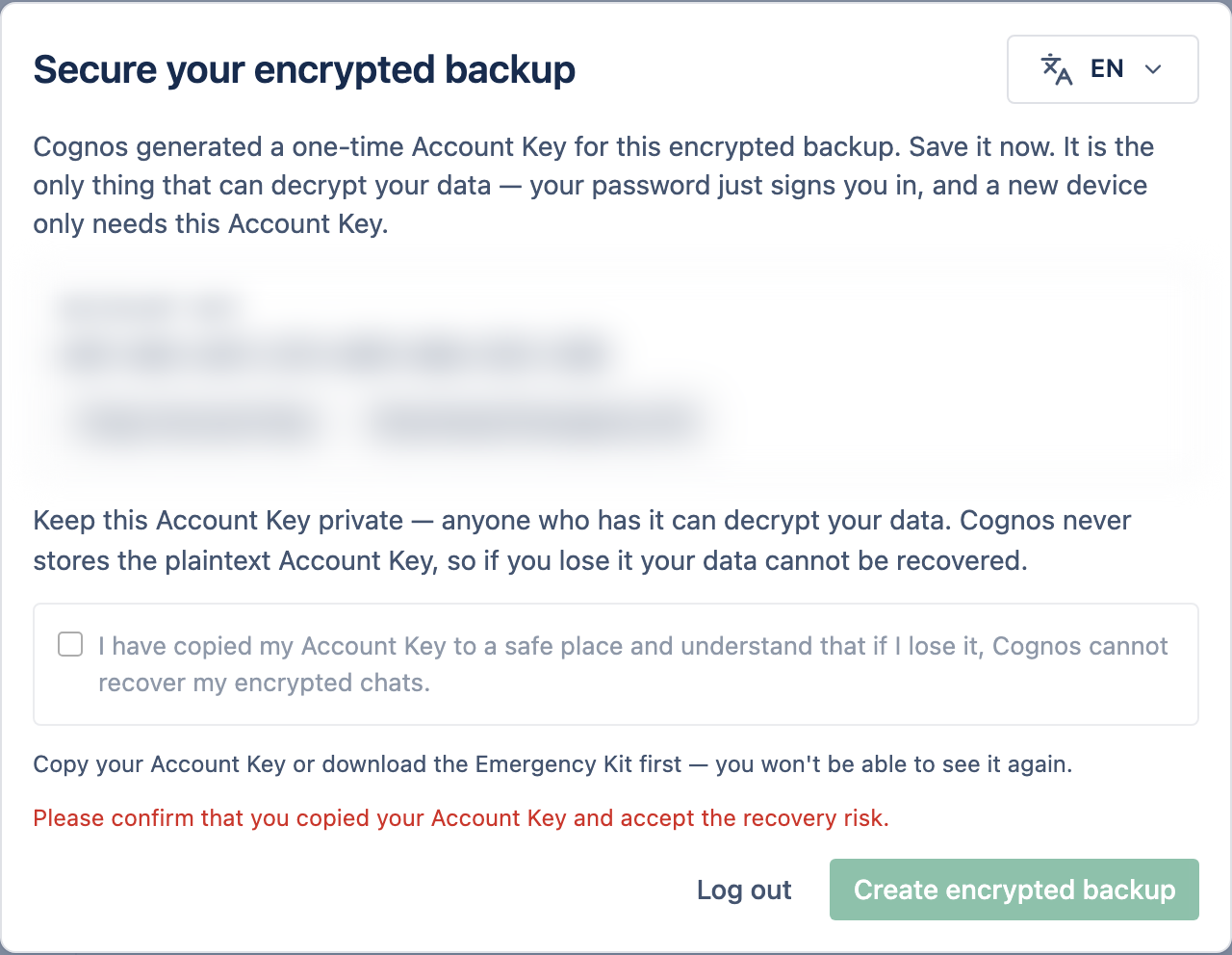
On the "Secure your encrypted backup" screen, save the key
Select Download Emergency Kit to save the file, or Copy Account Key to paste it into your password manager.
Tick the confirmation box
It confirms you've saved the key and understand it can't be recovered if lost.
Select Create encrypted backup
Cognos sets up your encrypted backup and takes you into the app.
3Where to keep it
Avoid shared drives, plain email to yourself, or unprotected cloud notes — anyone who reads the file can unlock your data.