Generating documents
Turn any answer into a real Word, PDF, or Markdown file — built in your browser, never on our servers.
1Download an answer
Use the download option on any assistant reply and pick a format — Word, PDF, or Markdown. The file is built on your device; the bytes never touch Cognos servers.
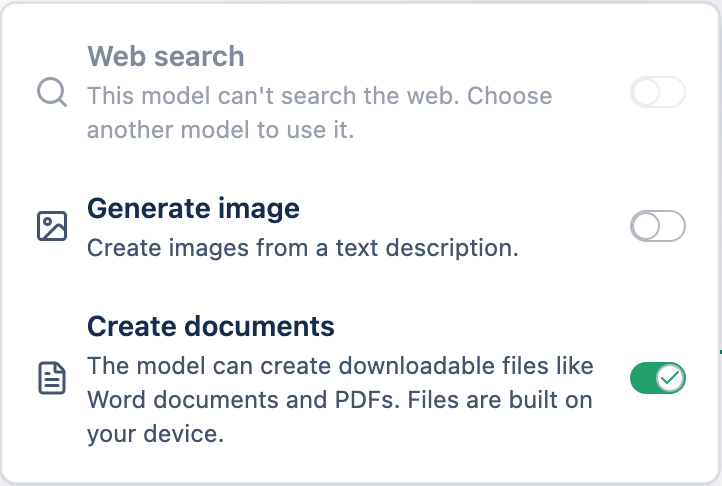
2Ask for a document
You can also ask the model to write one ("draft this as a PDF brief"). It appears as a document card you can download or save to your Library. Ask for changes and it re-emits the whole updated file.
3Good to know
- Generated files carry no personal author details — just "Cognos" — and dates are rounded to the day.
- Generated spreadsheets can't "phone home" — network formulas are disabled and shown as plain text.
- Turning off Create documents for a chat removes the feature there entirely.