Your first chat
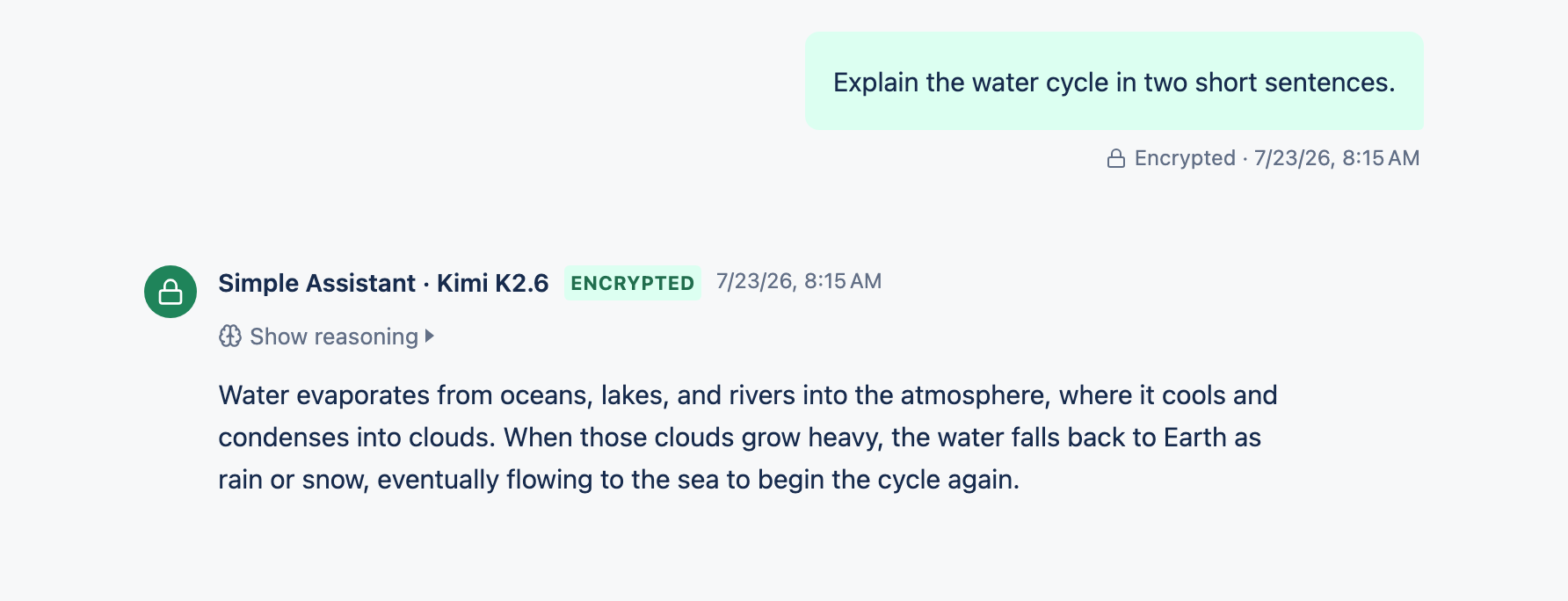
Type a message, pick a model if you like, and send. Your conversation is saved and encrypted automatically.
1Send a message
Start a new chat
Select New chat in the sidebar.
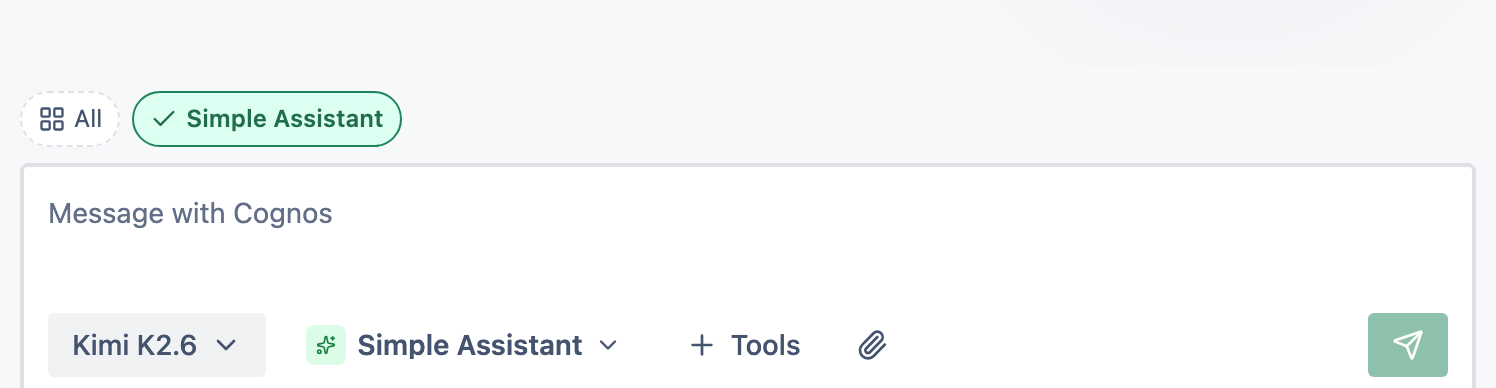
Type in the message box
It's the box at the bottom that says Message with Cognos.
Send it
Select the send button, or press
Ctrl/Cmd + Enter.
2What gets saved
Your conversation is saved and encrypted as you go. The list of chat titles is decrypted only on your device, so the sidebar loads quickly and privately.
3Try a different model
Above the message box you can choose a different model — some are faster, some are better at reasoning, some can search the web or make images.