Organisations
An Organisation is a billing and admin boundary for a team. It pays for shared work — and keeps content private, even from admins.
1What an Organisation is
An Organisation groups people through memberships, owns shared Projects, and pays one pooled bill. There are three roles:
- Owner — billing and dissolving the Organisation.
- Admin — members, seats, policy, and the usage dashboard.
- Member — works in the projects they're added to.
2Invite people
Create an invite
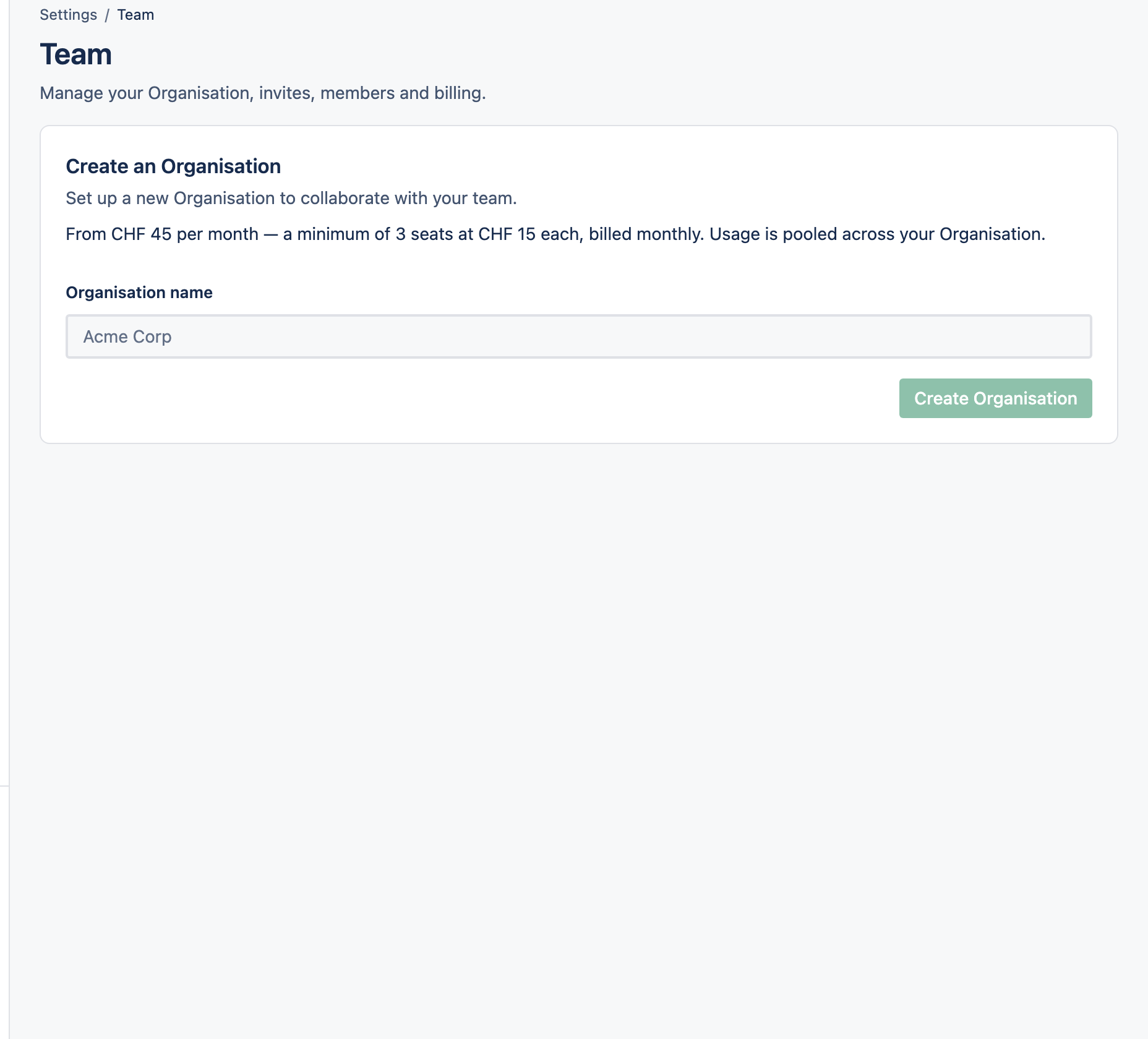
In Settings → Team, create an invite and copy the link (it's shown once).
Send it your way
Share the link however you like — Cognos doesn't email it for you.
They accept, you add them
The invitee signs up if needed, then opens the link to join. An Admin then adds them to specific projects.