Projects
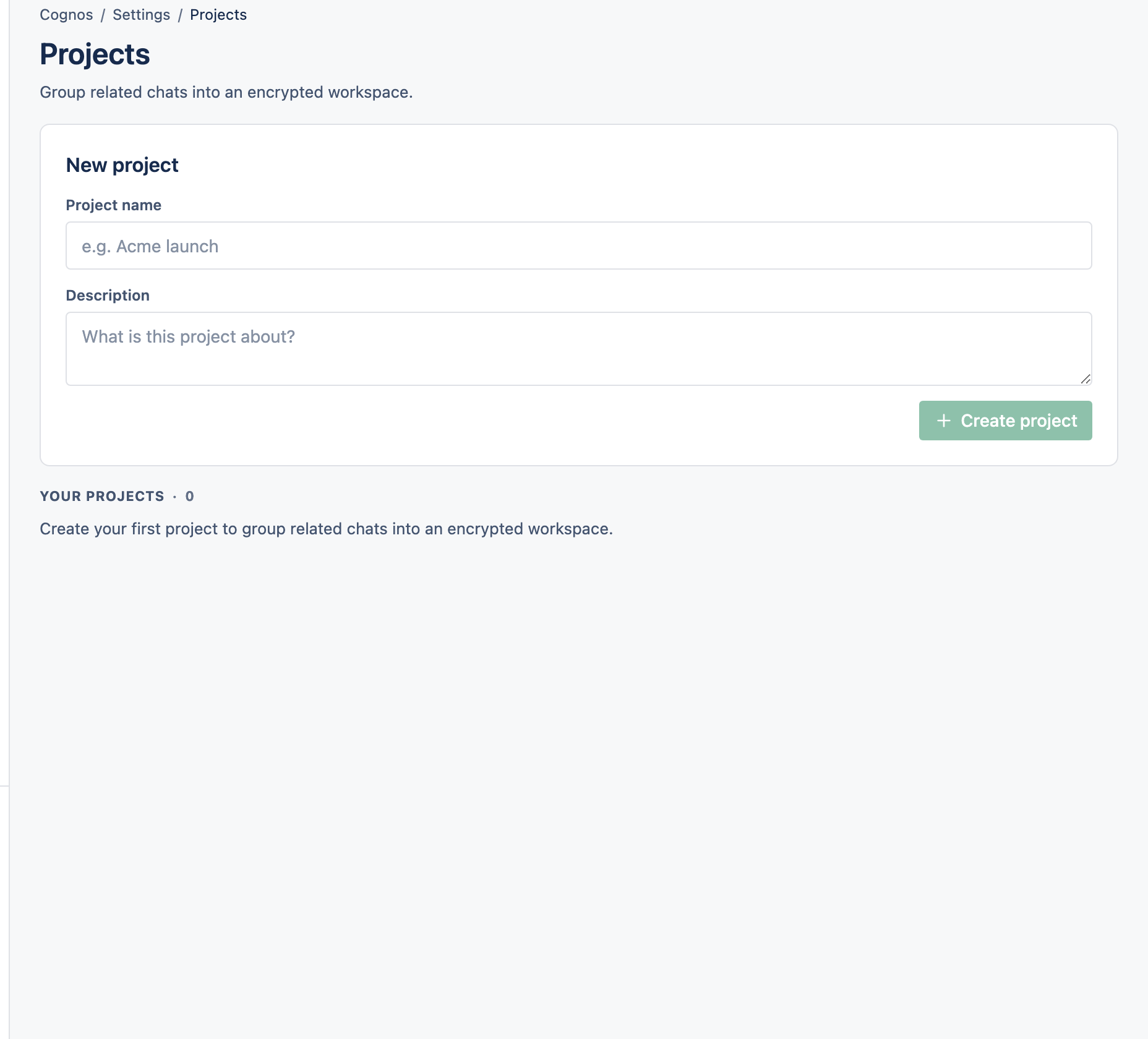
A Project groups related conversations in one place. Personal projects are just for you; Organisation projects are shared with a team.
1Create a project
Open Projects
Go to Projects and select New project.
Set it up
Give it a name, and optionally an icon, colour, and a default model.
2Personal vs Organisation projects
- Personal project — just you. It can't be shared with other people.
- Organisation project — shared with members of your Organisation, each with a role of Viewer, Editor, or Admin.
3Move chats in and out
From a chat's ⋯ menu, choose Move to project or Remove from project. You need to be an Admin of both the chat and the project.