Unlock & lock
Unlocking opens your data on a device with your Account Key. Locking hides it again — without signing you out.
1Unlock
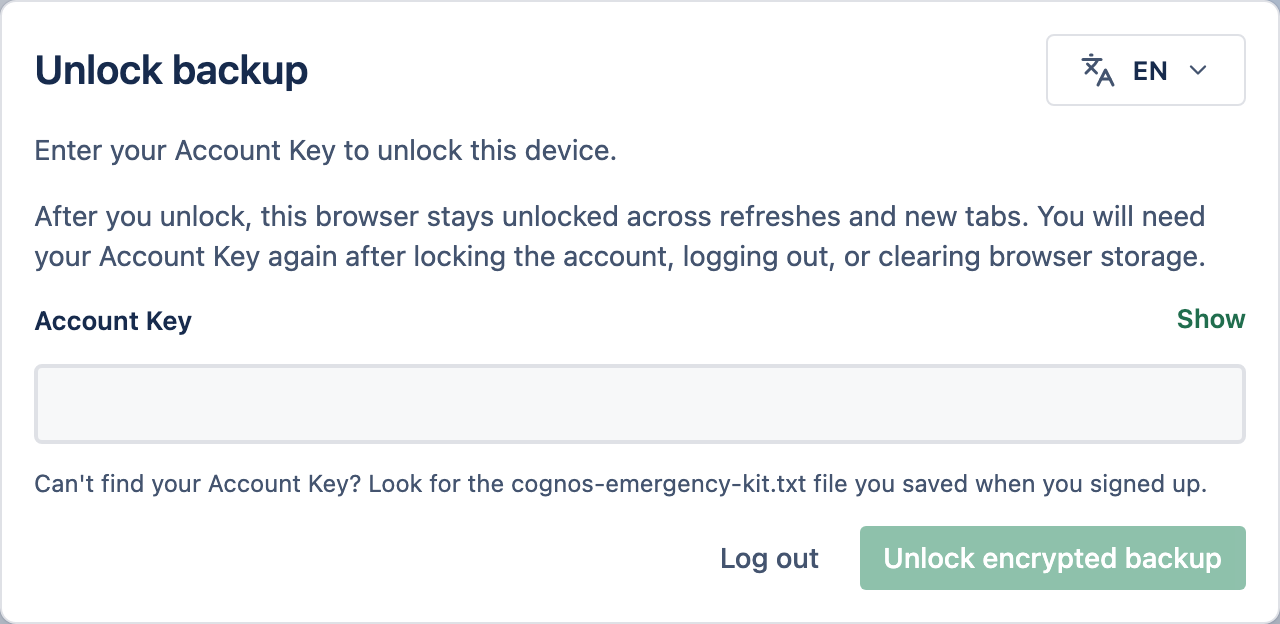
Your data stays locked on each device until you enter your Account Key. Unlocking loads the keys into your browser so it can decrypt and show your chats. You unlock once per device.
2Lock
Select Lock in the sidebar to clear your unlocked data from this device — handy on a shared or public computer. You stay signed in; to carry on, unlock again with your Account Key. No password needed.
3Lock vs log out
| Lock | Log out | |
|---|---|---|
| Still signed in? | Yes | No |
| To get back in | Your Account Key | Your password, then your Account Key |
| Affects other devices? | No | Yes — signs them out too |
See Sessions & logging out for what logging out does across your devices.