Messages that delete themselves
Set messages to expire on a timer, or a whole conversation to delete itself after a period of inactivity.
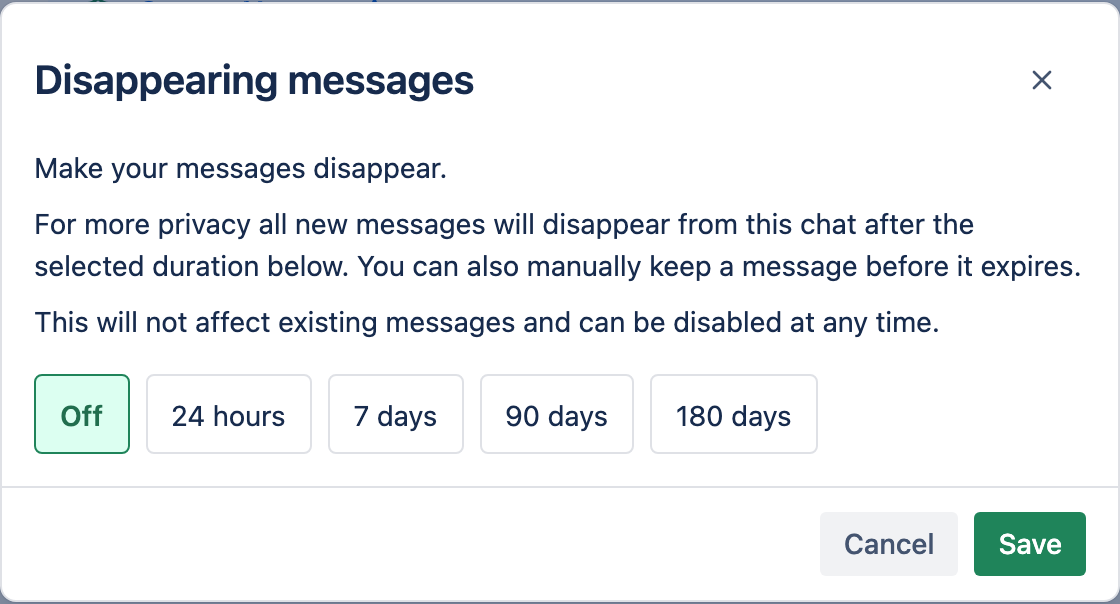
1Disappearing messages
When you create a chat, you can set its messages to expire after 24 hours, 7 days, 90 days, or 180 days. Each message is deleted permanently once its timer runs out.
2Auto-delete a conversation
In a saved chat, open the ⋯ menu and choose Auto-delete to remove the whole conversation after a period of inactivity (Account default, Never, 7 days, or 30 days). Set the account-wide default under Account.
The countdown is based on the chat's last activity — tightening it later won't retroactively delete an old-but-recently-used chat.