Importing conversations
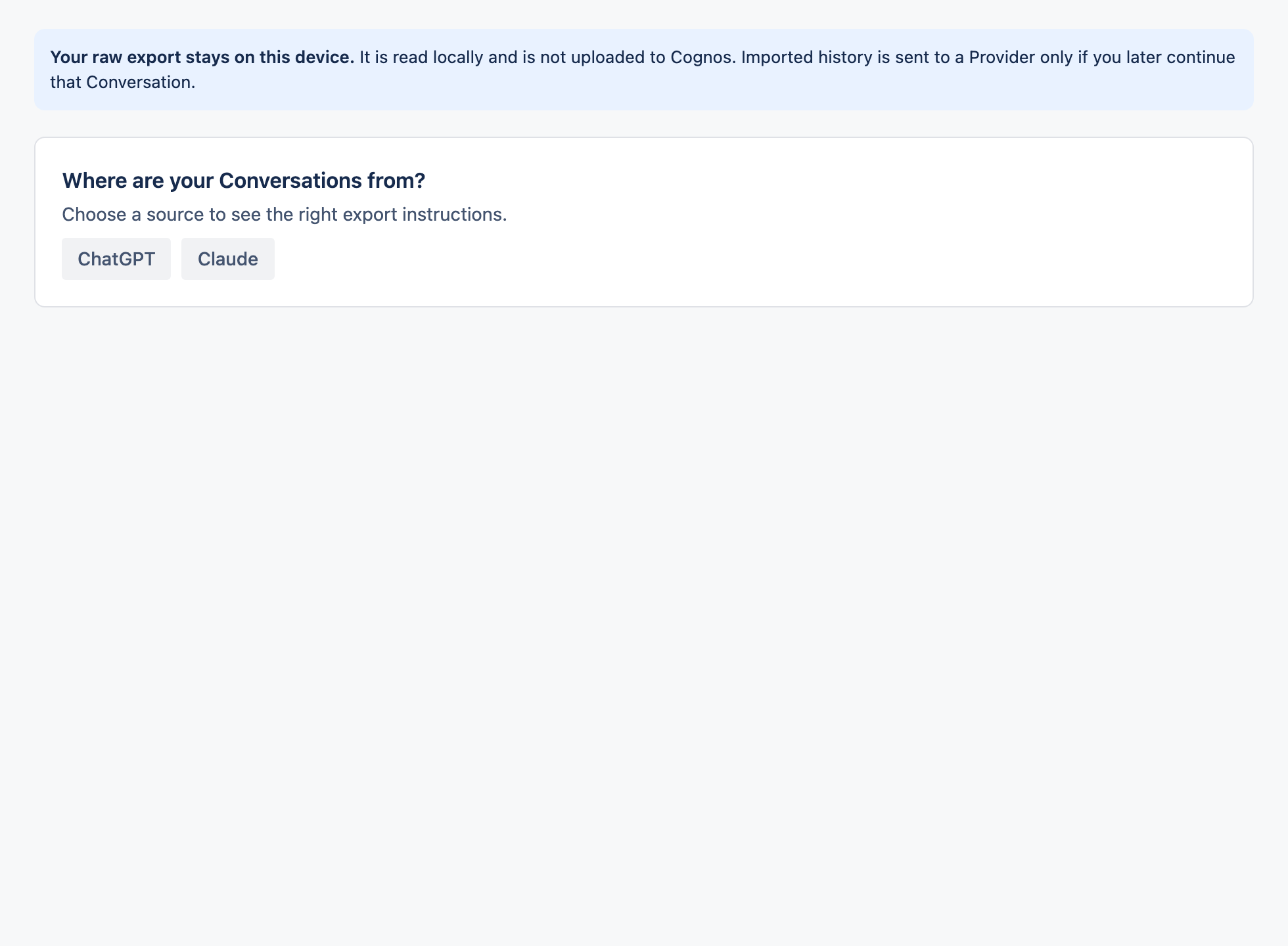
Bring your ChatGPT or Claude conversations into Cognos. Your export is read and encrypted in your browser.
1Import your export
Open the import page
Go to Import.
Pick your source
Choose ChatGPT or Claude and follow the on-screen steps to select the export file you downloaded from them.
Review, then confirm
Check the preview counts so you know exactly what will come across, then confirm.
2Good to know
- Reading and encrypting happen in your browser — the raw export isn't uploaded to us.
- Up to 10,000 messages per conversation.
- Branching threads are split into clearly labelled separate conversations, never guessed or merged.
- Re-importing the same file is safe — it won't create duplicates.
- Imported chats arrive as standalone conversations; move them into a Project afterwards if you like.