Deleting your account
You can permanently delete your account and all your personal data. This can't be undone.
1Before you start
- Cancel any paid subscription first.
- If you own an Organisation, transfer it or dissolve it first.
2Delete your account
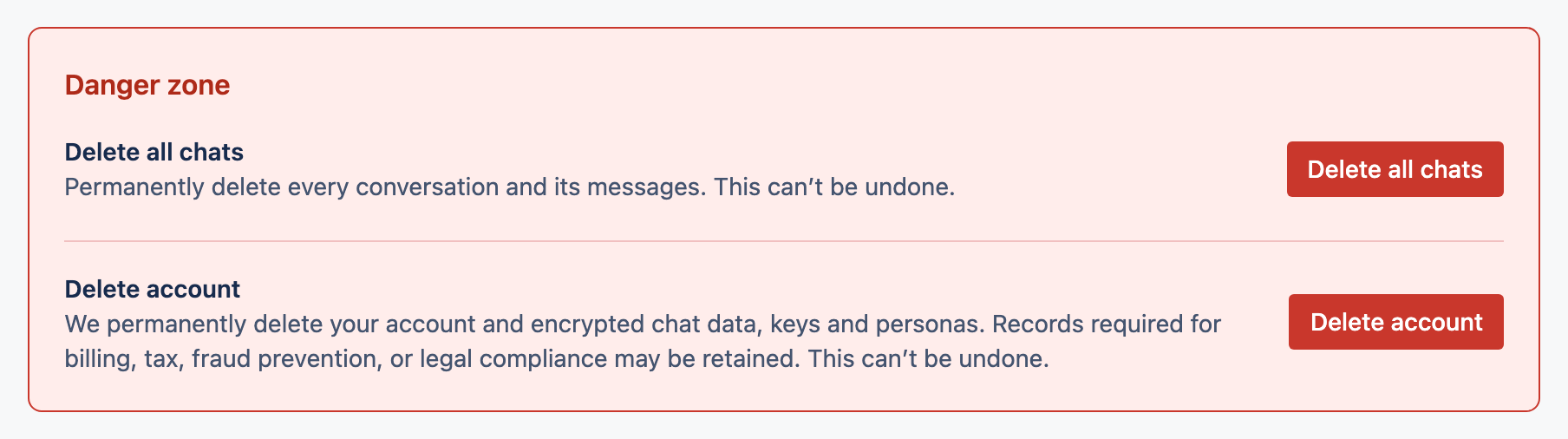
Open the Danger zone
It's at the bottom of your Account page.
Confirm it's you
Type
DELETE, enter your password, and (if two-factor is on) a current code.Confirm
Your personal data is removed.
3What's removed and what's kept
- Removed: your conversations, messages, personas, bookmarks, library files, memory, redaction mappings and two-factor records.
- Kept: Organisation-owned projects you created stay with the Organisation; some financial records may be retained (detached from you) for legal reasons.