Privacy tiers
Your privacy tier sets the furthest your messages may travel to be answered. It changes which models you can use — and nothing else.
1The three tiers
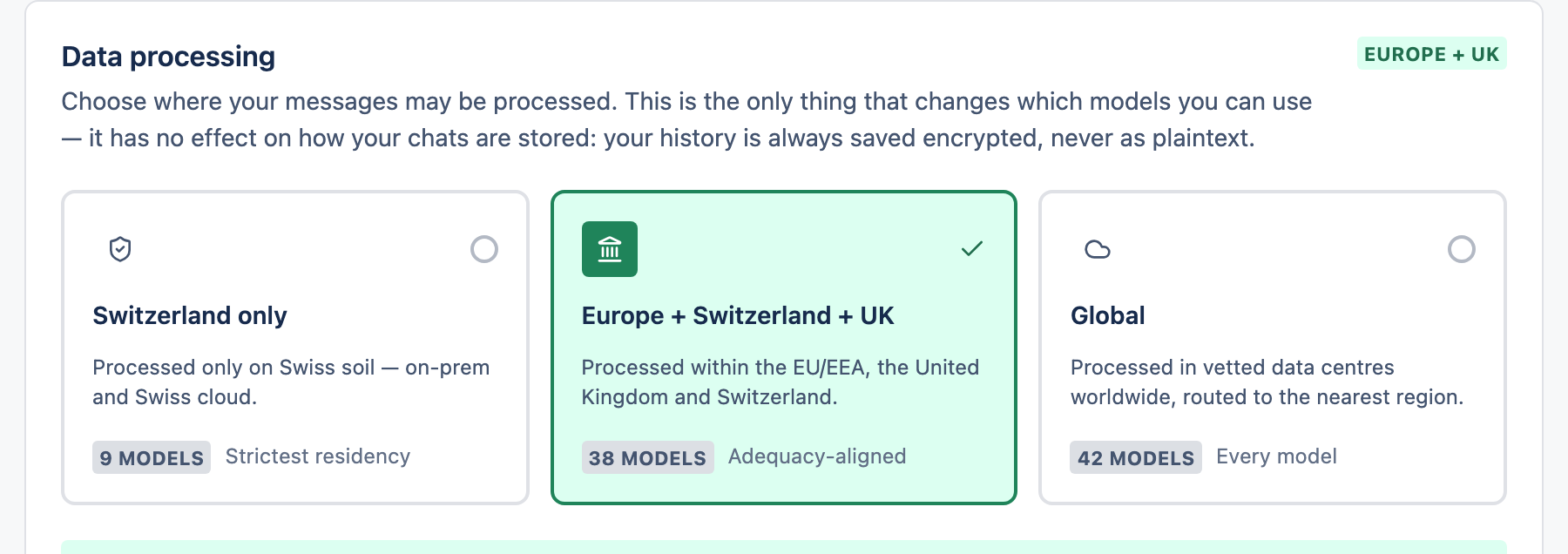
| Tier | Your messages are handled… |
|---|---|
| Switzerland only | On Swiss soil only — the strictest option. |
| Europe + Switzerland + UK | Within the EU/EEA, the UK and Switzerland. |
| Global | In vetted data centres worldwide — unlocks every model. |
2Choose your tier
Open your account settings
Go to Account and find the Data processing card.
Pick a tier
Select one of the three cards. It saves immediately and the model list updates.
3What it does and doesn't change
- Changes: which models you're allowed to use.
- Doesn't change: how your chats are stored — they're always kept in a form we can't read, whatever tier you choose.